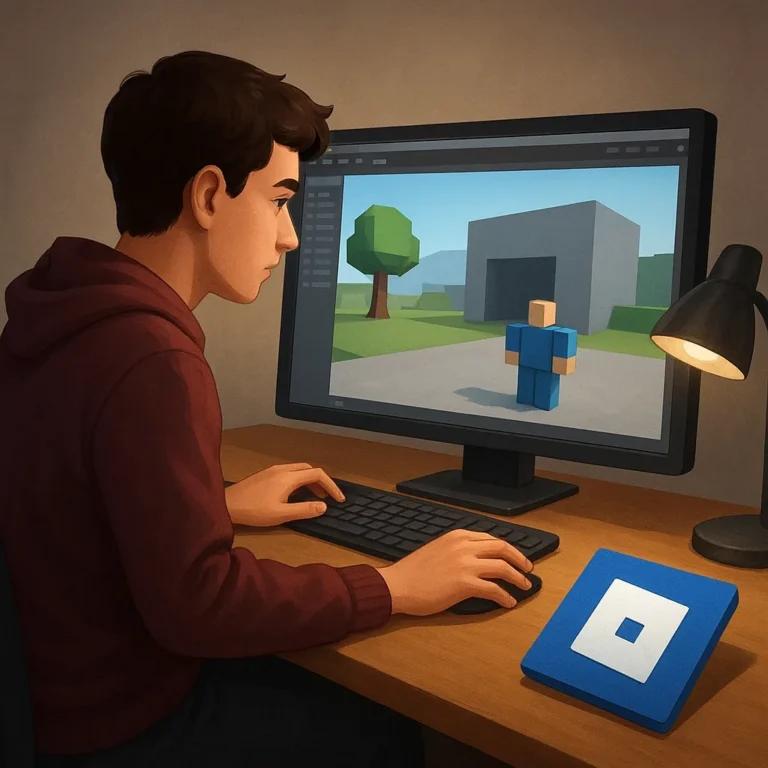
Roblox Studio can turn game creation into a practical classroom for curious beginners. Instead of treating a finished experience as the only goal, use each small build to practice planning, programming, three dimensional design, testing, and communication. A manageable project gives every decision a visible result and makes learning easier to review.
These skills matter beyond one game because they create repeatable habits. You learn to break a broad idea into tasks, explain what should happen, notice where an interaction fails, and improve it without losing the original purpose. Studio therefore becomes a place to think clearly, experiment safely, and reflect on results.
What creators can learn by building
Start with one activity that has a clear beginning, action, and outcome. For example, players might navigate a short obstacle course, solve a simple puzzle, or collect objects under a stated rule. Limiting the first version keeps the learning visible: you can identify what you planned, what you built, and what changed.
Before opening every tool, write a compact plan for the player experience. List the main objective, important actions, needed scenes, and one test for each feature. This preparation develops project planning because it turns an exciting idea into an ordered sequence, while leaving room to revise details after early testing.
Turn a project into a skills practice plan
Treat each feature as a deliberate practice exercise rather than a checkbox. A door can teach conditions and interaction logic; a moving platform can teach timing and coordinates; a menu can teach clear choices. Naming the skill behind each feature helps you recognize progress, even when the project remains small.
Pair each feature with a learning goal
Pair each feature with a learning goal before you build it. If the goal is programming practice, define the input, expected behavior, and success condition. If it is design practice, decide how shape, color, spacing, and lighting guide attention. This connection prevents decoration from hiding unclear mechanics and gives review conversations a useful focus.
Keep notes on mistakes and discoveries
Keep notes on mistakes and discoveries while the work is fresh. Record the problem, the attempted fix, the result, and the next question. These notes build debugging discipline and reduce repeated confusion. They also show how your reasoning changes, which is valuable evidence of learning when a later feature depends on an earlier solution.
Combine design, scripting, and debugging
Combine design and scripting by asking what players should notice, do, and understand. A visually attractive room needs a readable route, while a working script needs signals that explain its purpose. Moving between appearance and behavior teaches you to treat the experience as one system rather than separate pieces.
Debugging becomes easier when you test one question at a time. Check whether an action starts correctly, whether the response appears where expected, and whether a player can recover from an error. Change one relevant part, test again, and record the result. This method turns frustration into information instead of guesswork.
Test across different screen sizes and play styles when possible. A control that feels obvious on one device may feel awkward elsewhere, and a visual cue may disappear against another background. These checks strengthen technical judgment while reminding you that successful creation includes usability, not just the ability to make something run.
Collaborate without losing project clarity
Collaboration works best when responsibilities are visible. One person might shape the environment, another might script interactions, and another might test the player path. Write down ownership, shared decisions, and handoff points so contributors know what is changing. Clear roles support teamwork without making anyone responsible for every part.
Use a shared naming system for scenes, scripts, objects, and notes. Agree on where new assets belong and how unfinished work will be marked. This simple structure lowers the chance of accidental changes and makes questions easier to answer. Project clarity protects creative energy because the group spends less time searching.
Review feedback as evidence, not as a command to copy every suggestion. Ask whether a comment reveals confusion, a missing explanation, or a preference that fits the project. Discuss the reason before changing the build. That habit develops communication and keeps collaboration focused on improving the experience rather than chasing noise.
Measure progress by finished improvements
Measure progress by finished improvements instead of by project size. A repaired collision, clearer instruction, smoother transition, or better organized script can represent meaningful growth. Keep a short change log with the problem, adjustment, and result. Over time, this record makes invisible learning easier to see and discuss.
Set small checkpoints such as completing the first playable route, fixing one recurring error, or receiving useful feedback from a tester. Celebrate completion without pretending the result is perfect. Finished checkpoints create momentum, reveal the next decision, and teach you how to manage scope when new ideas compete with necessary repairs.
Use the beginner guide to choose your first manageable build, then apply these habits one step at a time. A completed small project can clarify which tools you enjoy, which skills need practice, and which ideas deserve another attempt. Let those discoveries guide future creator decisions, without assuming that every project must become a career.