Roblox Studio can feel crowded when every panel seems to invite a different decision. Begin with a tiny playable experience instead of chasing a grand game. This calm approach lets you learn the workspace, make one useful choice at a time, and see progress quickly without treating your first project like a final product.
Your first goal is not popularity, revenue, or a complicated map; it is a clear activity that another person can understand and complete. You will choose an objective, assemble a small scene, add simple behavior, test the result, and record what needs improvement. Finishing that loop builds practical confidence for later projects.
Start in Roblox Studio
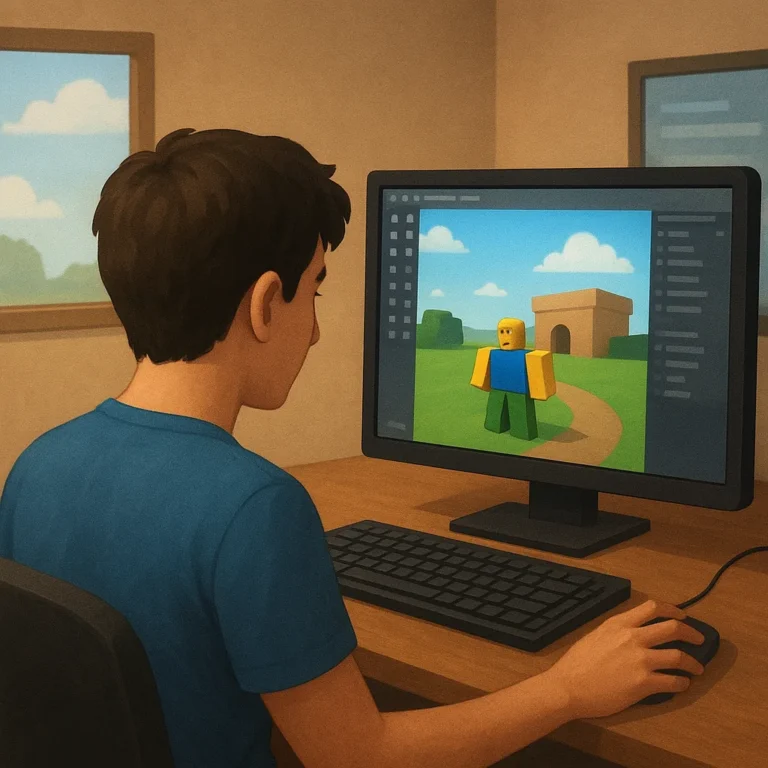
Open a new baseplate and pause to identify the Explorer, Properties, viewport, and top toolbar. Each area has a job: the viewport shows the world, Explorer organizes objects, Properties changes selected objects, and the toolbar exposes common actions. Do not memorize everything. Click an object, change one property, and observe what happens.
Save immediately with a descriptive name, then keep the project folder easy to recognize. Use short notes to explain what you are trying, especially when you change a setting or add a script. Learning by doing works best when experiments remain reversible. If something breaks, undo it, compare versions, and try again calmly.
Turn an Idea into One Activity
Choose an activity with one obvious action, such as collecting three colored tokens, reaching a platform, or pressing switches in order. Keep the setting modest and make the reward understandable. A narrow idea gives you room to notice confusing moments, improve the interaction, and finish a complete experience rather than abandoning an oversized plan.
Write the Player Objective
Write the player objective in one sentence: reach the blue tower and touch the beacon before time runs out. Use a visible destination, a small number of rules, and language a new player can understand. If the objective needs a long explanation, simplify the activity before building more scenery or adding extra systems.
Sketch the Smallest Playable Loop
Sketch the smallest playable loop on paper before you script it: spawn, receive direction, move, complete the task, and see a result. Mark where a player might get lost or wait without feedback. This sketch prevents decorative details from hiding missing steps and gives every planned object a reason to exist in the scene.
Build a Scene and Understandable Controls
Build the scene around the loop, not around decoration. Place a clear starting point, a readable path, and the objects needed for the activity. Use contrasting colors or simple signs to show where players should go. Add scenery only after the route works, because a beautiful environment cannot rescue an unclear task or awkward movement.
Keep controls understandable by choosing familiar inputs and showing them before the first challenge. A short instruction near the starting point can explain movement, interaction, and the success condition. Test the activity with your own attention on the player’s view, not the creator’s intentions. If you hesitate, new players probably will too.
Use a small script only when it adds a needed response, such as opening a door after a switch is pressed. Name objects clearly, change one behavior at a time, and keep a note of the expected result. You are practicing logic as well as construction, so a small working script teaches more than a large mysterious one.
Test, Repair, and Prepare a First Release
Run a test session after each meaningful change, even when the change seems harmless. Check spawning, movement, collisions, instructions, objective completion, and any reset behavior. Try the experience as a distracted beginner would. Walk into walls, ignore signs, repeat actions, and look for moments where the game gives no useful response.
Use this beginner checklist before calling the first build complete. Confirm that the player knows where to begin, understands the main action, can recover from a mistake, and receives a clear result. Then ask one trusted tester to play silently while you observe. Their confusion is useful evidence, not a personal judgment.
- Save a working version before experiments.
- Test the full loop from start to finish.
- Remove objects that serve no purpose.
- Write down the next repair.
Understand What Comes After the First Build
Publishing a first version is a learning milestone, not proof that the experience is finished. Choose a clear name and description, check the audience settings, and make sure the starting view represents the activity. Share it carefully with testers, invite specific feedback, and improve the parts that repeatedly cause confusion or technical trouble.
After the core loop works, consider one modest addition that responds to feedback, such as another route, a fair challenge, or a clearer tutorial. Study player difficulties rather than adding features automatically. Later, eligible creators can research approved passes or developer products, but earnings depend on rules, audience response, and many conditions.
Keep optional purchases transparent, suitable for your audience, and consistent with current Roblox requirements; never make basic progress feel impossible without payment. Protect your account with a unique password, available two-step verification, and caution around unfamiliar links. For a guided next step, return to the funnel hub and choose another beginner lesson.