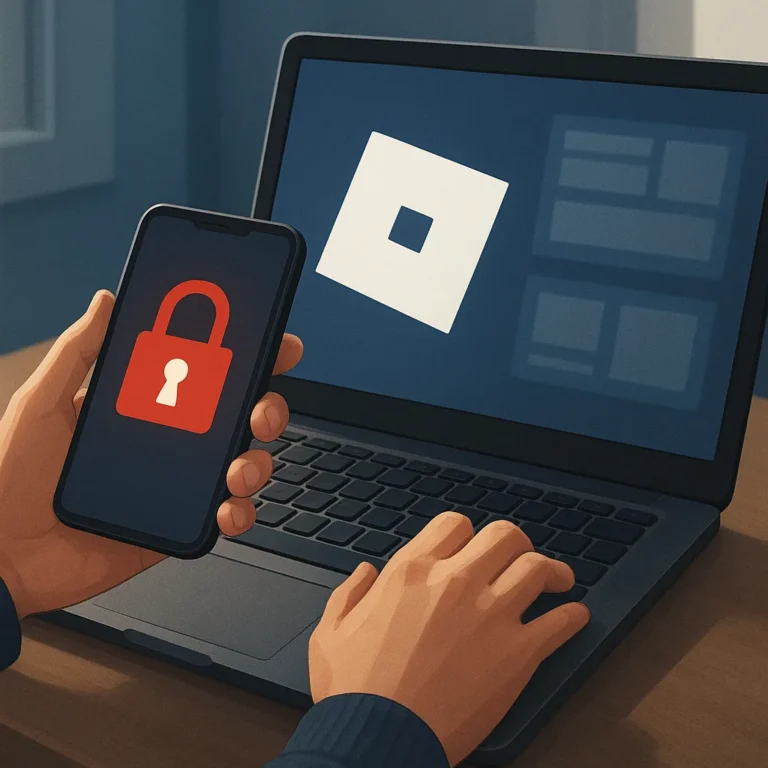
Creator tools can turn curiosity into building, testing, and collaboration, but account security should come before the first project. A protected account keeps your work, messages, inventory, and access under your control. Before opening Roblox Studio or joining a team, establish habits that make suspicious requests easier to notice and safer decisions easier to repeat.
Security does not need to slow creative momentum. It can become part of the workflow: verify where a message leads, protect the sign-in, and pause when a reward sounds unusually easy. These simple checks matter whether you are designing an experience alone, testing with friends, or preparing a project for public players.
Protect the account before starting a project
Start by reviewing the account’s recovery details and active sessions through Roblox’s own settings. Confirm that the email address is current and belongs only to you, then remove access you no longer recognize. If a device, browser, or connected service looks unfamiliar, sign out, change the password, and investigate before continuing with creator work.
Separate your creator identity from casual browsing where possible. Use a device profile, keep its software updated, and lock the screen when you step away. Avoid saving credentials on shared computers. These measures cannot stop every threat, yet they reduce opportunities for passersby, borrowed devices, or abandoned browser sessions to expose your account.
Build a safer login routine
Use a unique password
Choose a password that is long, memorable to you, and never reused on another site. A password manager can create and store different credentials without forcing you to memorize every one. Do not share the password with teammates, friends, or people claiming to offer support. Legitimate help should not require your private sign-in secret.
Before you begin a collaboration, decide which account information is necessary. A teammate may need project permissions, not your password or recovery code. Grant the narrowest access that lets someone contribute, and remove it when the work ends. Clear boundaries protect both the creator and the collaborator when plans change or a relationship becomes uncertain.
Activate available two-step verification
Activate two-step verification in the official account settings if the option is available to you. This adds another check after sign-in, so a stolen password alone may not be enough to enter. Read each prompt carefully, save recovery information securely, and never approve a request simply because it arrives while you are busy.
Treat unexpected verification messages as a reason to pause, not as proof that an emergency exists. Check the destination, review the wording, and open settings directly rather than following a dramatic shortcut. If a code appears without your action, change the password, end unfamiliar sessions, and tell the platform through its official support path.
Evaluate websites, tools, and downloads
Creator curiosity often leads to tutorials, plug-ins, templates, and promises of faster progress. Evaluate each destination before downloading anything: inspect the domain, look for clear ownership, compare instructions with official guidance, and question urgent demands. A polished page can still be deceptive, while a trustworthy project usually explains what it installs and why.
Use only tools you understand and can remove safely. Download from established, official locations, keep security software active, and scan unfamiliar files before opening them. Be careful with browser extensions or utilities requesting broad permissions. If a tool asks for your Roblox password, session details, or recovery code, stop immediately; the requested access is unnecessary.
Keep credentials away from alleged Robux generators
Any site promising instant Robux, secret codes, or effortless rewards deserves skepticism. No creator opportunity makes it necessary to surrender your password for a supposed generator. Surveys, countdowns, and fake verification steps may be designed to collect information or push unsafe downloads. Close the page, report it when appropriate, and protect your account instead.
Curiosity should never override security, even when a claim matches a goal you care about. A free item, audience growth, or exclusive creator invitation can wait while you verify it. Discuss suspicious offers with a trusted adult or teammate, and remember that missing one opportunity is less costly than losing account access or private data.
Review account habits after publishing or collaborating
After publishing, testing, or collaborating, review who can reach the project and which permissions remain active. Remove old collaborators, check recent account activity, and confirm that shared files contain no passwords or recovery details. This small closing routine keeps a finished project from becoming an overlooked doorway into your wider account.
Use the scam-awareness article to recognize common deception patterns, then return to the creator funnel hub for the broader journey from learning to publishing. Security belongs at every stage: protect the login before building, verify tools during production, and reassess access after collaboration or release.
Before your next session, run this short safety checklist: confirm the password is unique, check two-step verification, inspect every link, reject credential requests, and review active sessions. If any answer feels uncertain, stop and verify through official Roblox settings. A careful pause preserves creative time and helps your future projects remain accessible to you.
- Use a unique password.
- Activate available two-step verification.
- Inspect links and downloads.
- Keep credentials private.